





Photo diary app
Just add photos.
D·LOG fills in the rest.
D·LOG is a photo diary app that automatically fills in the time, place, weather, and route of your day when you upload photos and choose your mood.
Add older photos from your gallery all at once to create logs grouped by date. Share a day you want others to see with a link, or publish it on the web.
- Android
- iPhone
- PC
- Start for free
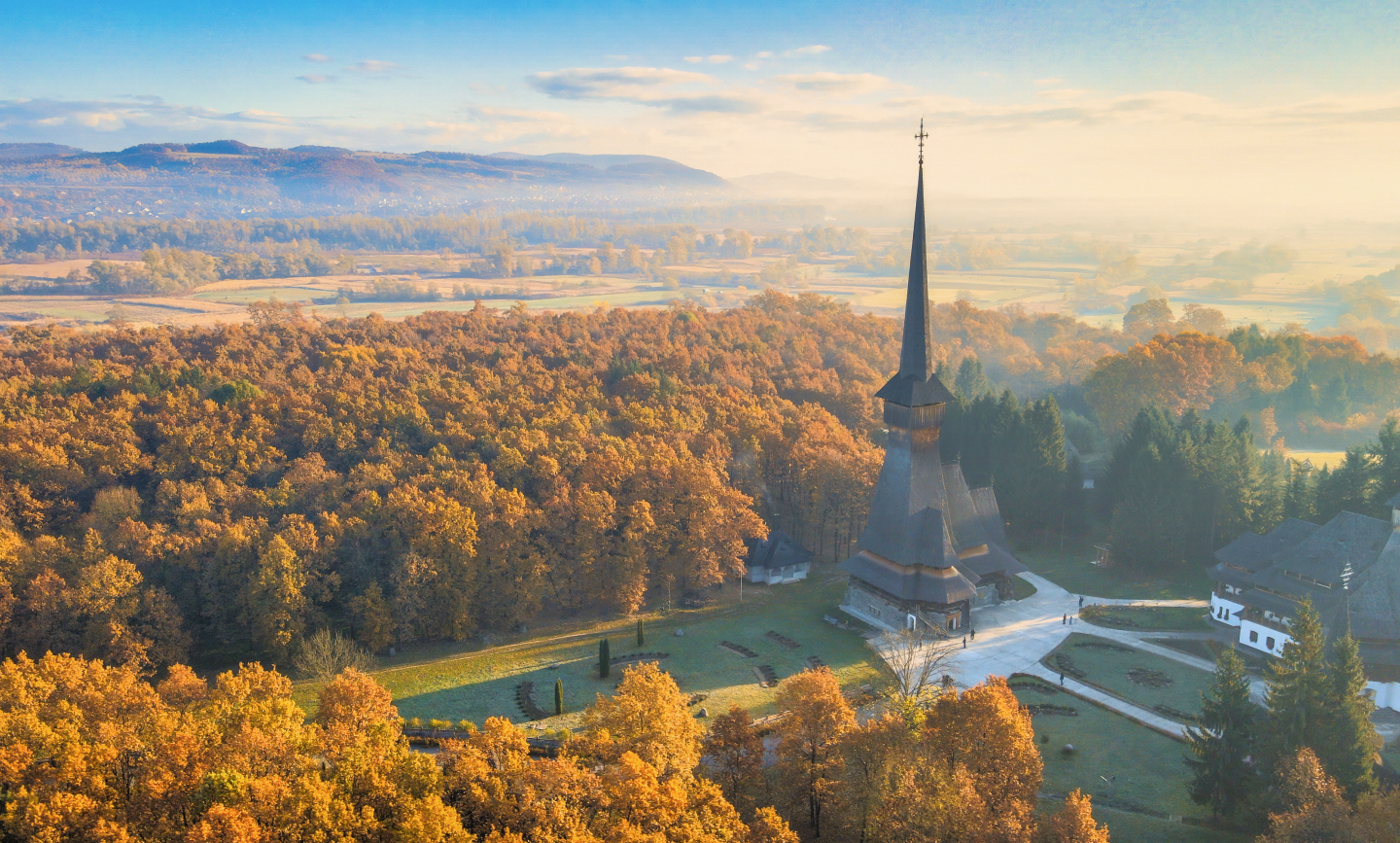
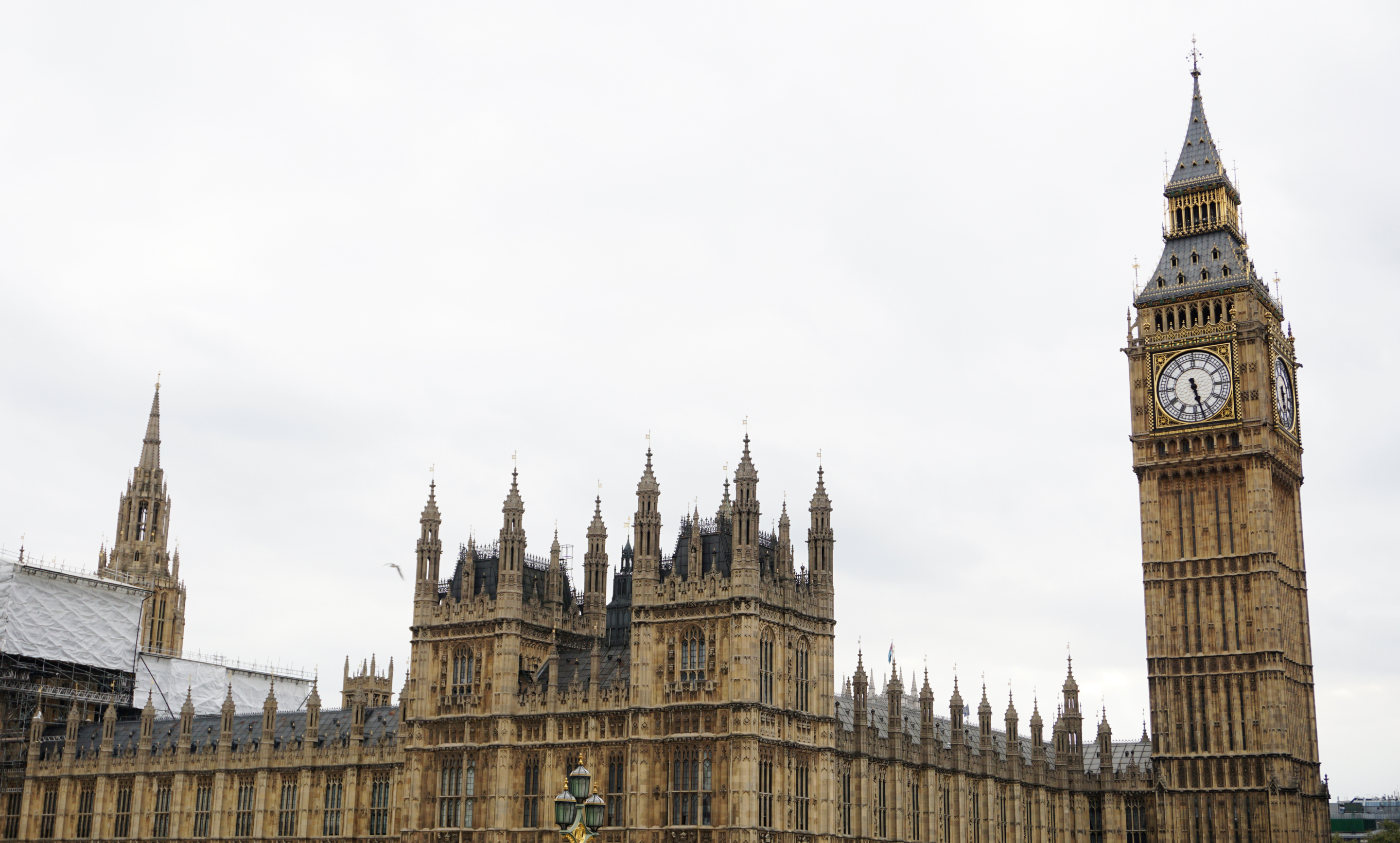
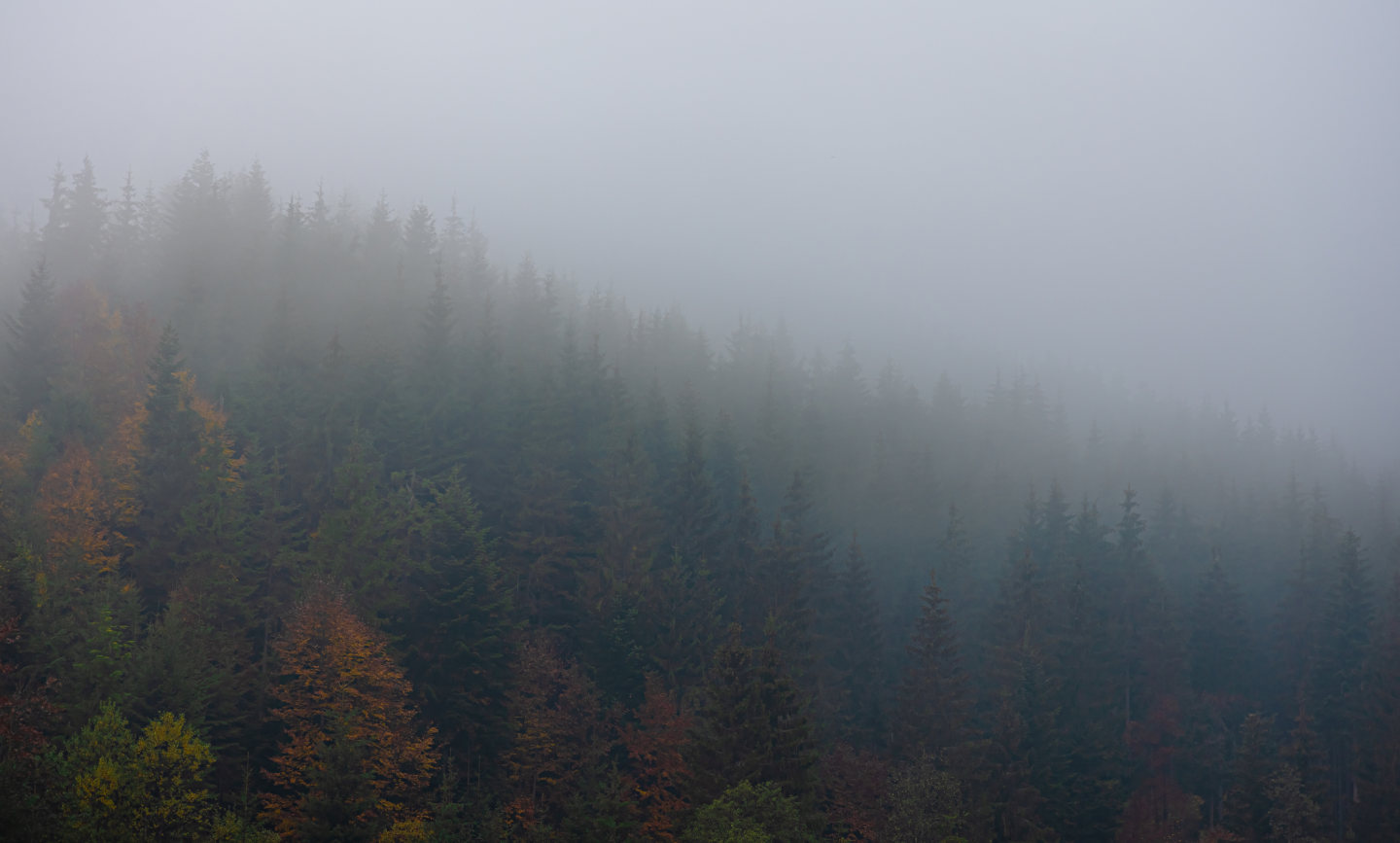
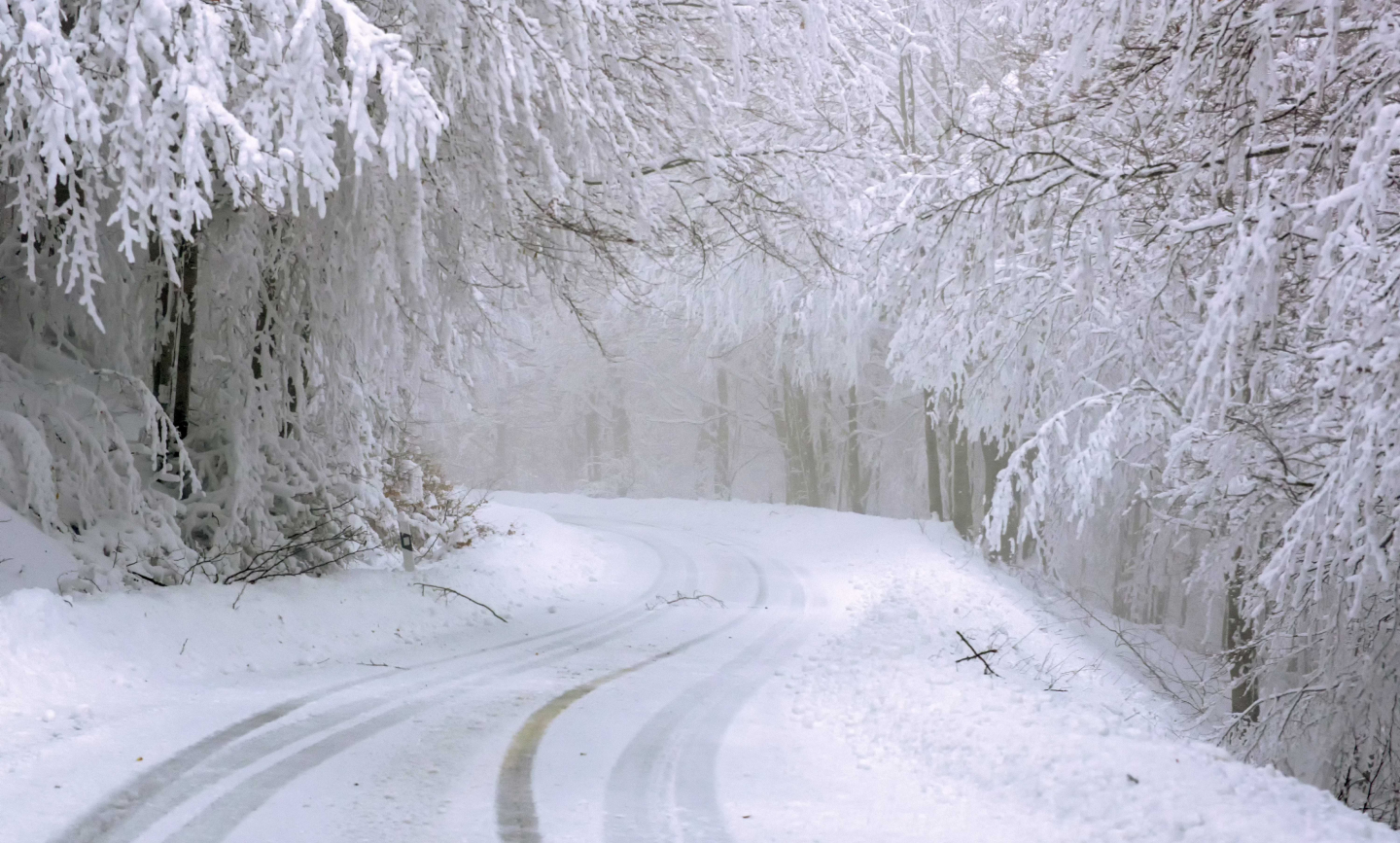


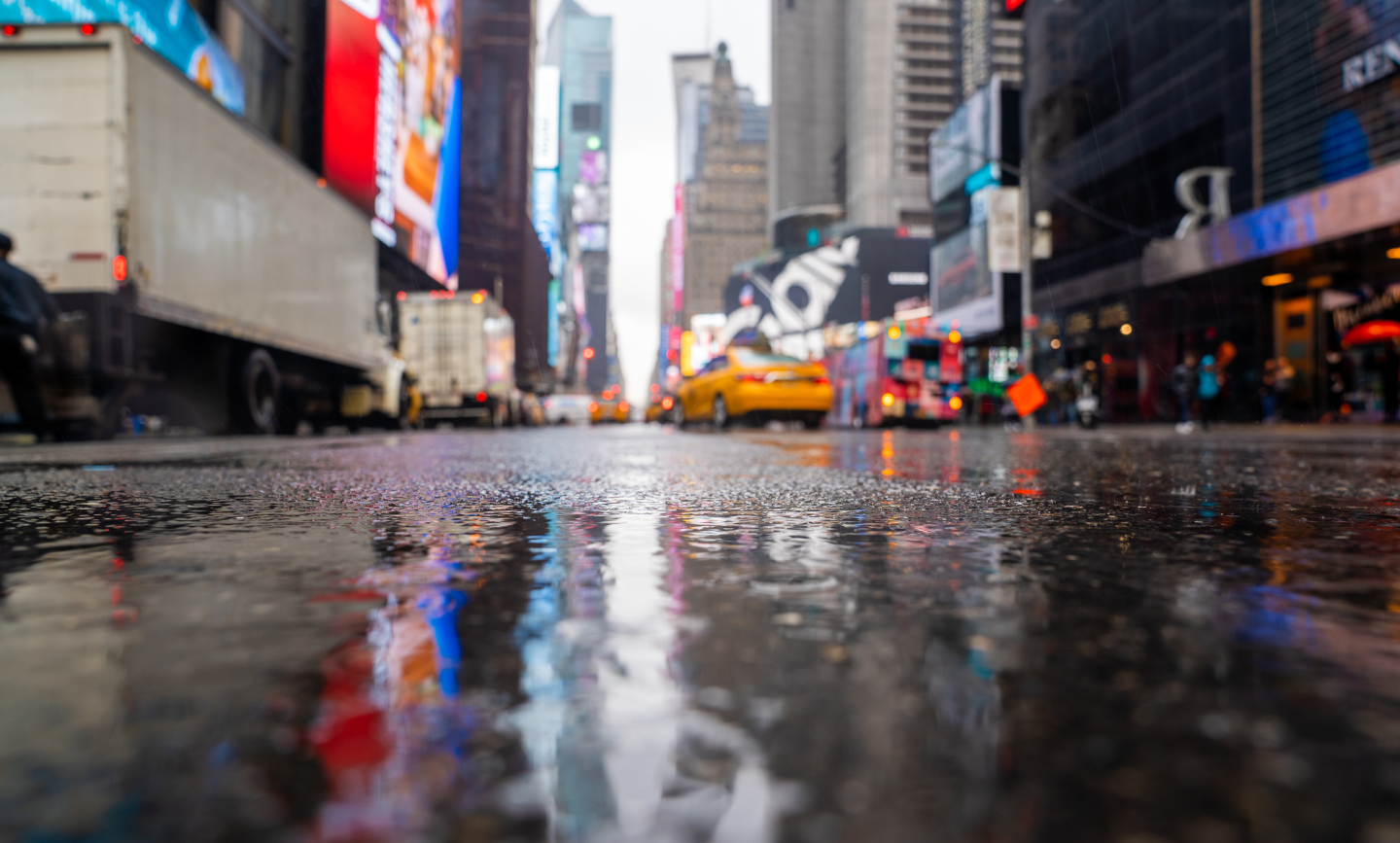

Weather + time + place, logged automatically
Keep the feeling
of that day

Apr 28, 8:25 PM
Apr 28, 8:25 PM
May 4, 10:25 AM
Jan 3, 9:05 AM
Mar 10, 6:19 PM
Jun 10, 7:12 PM
Oct 9, 11:05 PM
Oct 9, 11:05 PM

Eiffel Tower
Big ben
In a lush forest
Tähtitorninvuoren puisto
Gwanghwamun
N Seoul Tower
New York City
Times Square, New York


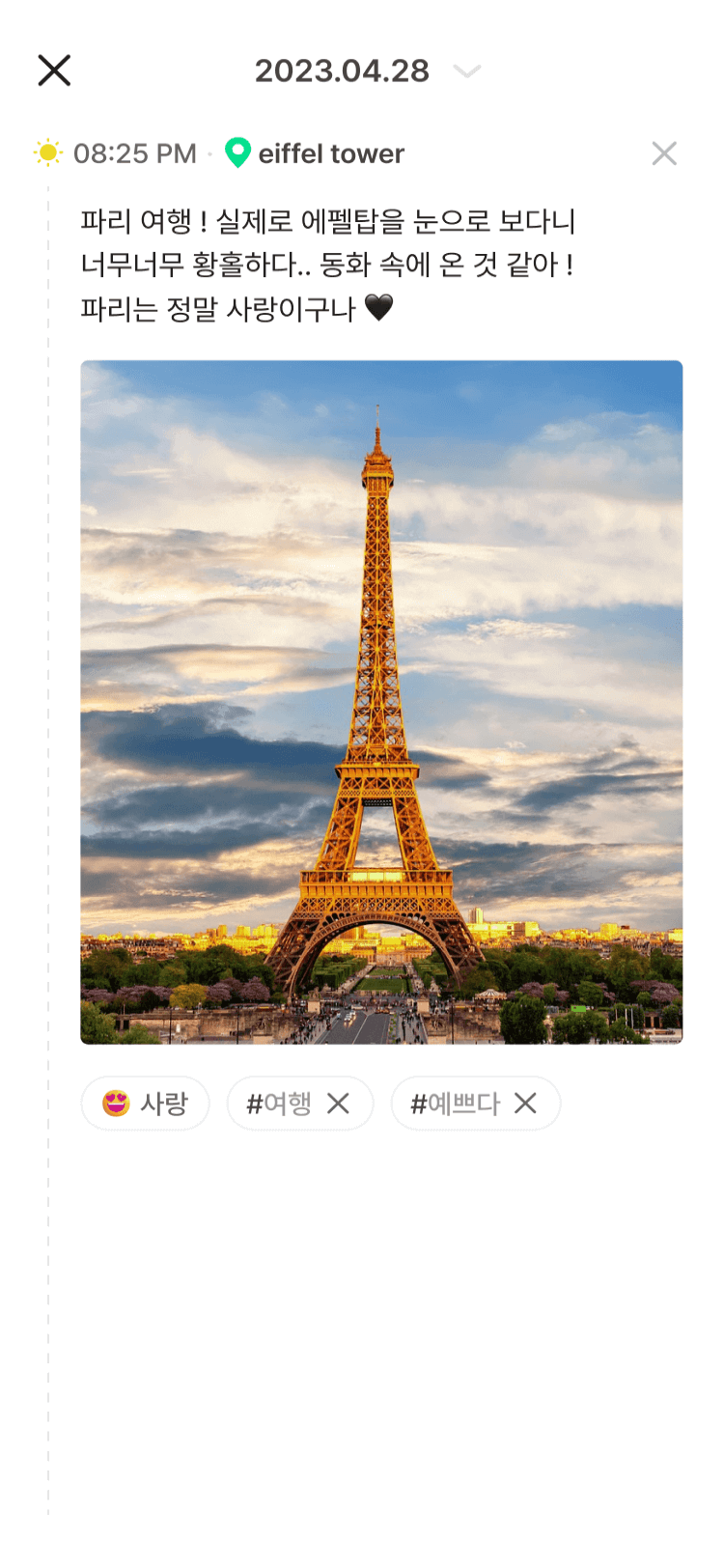
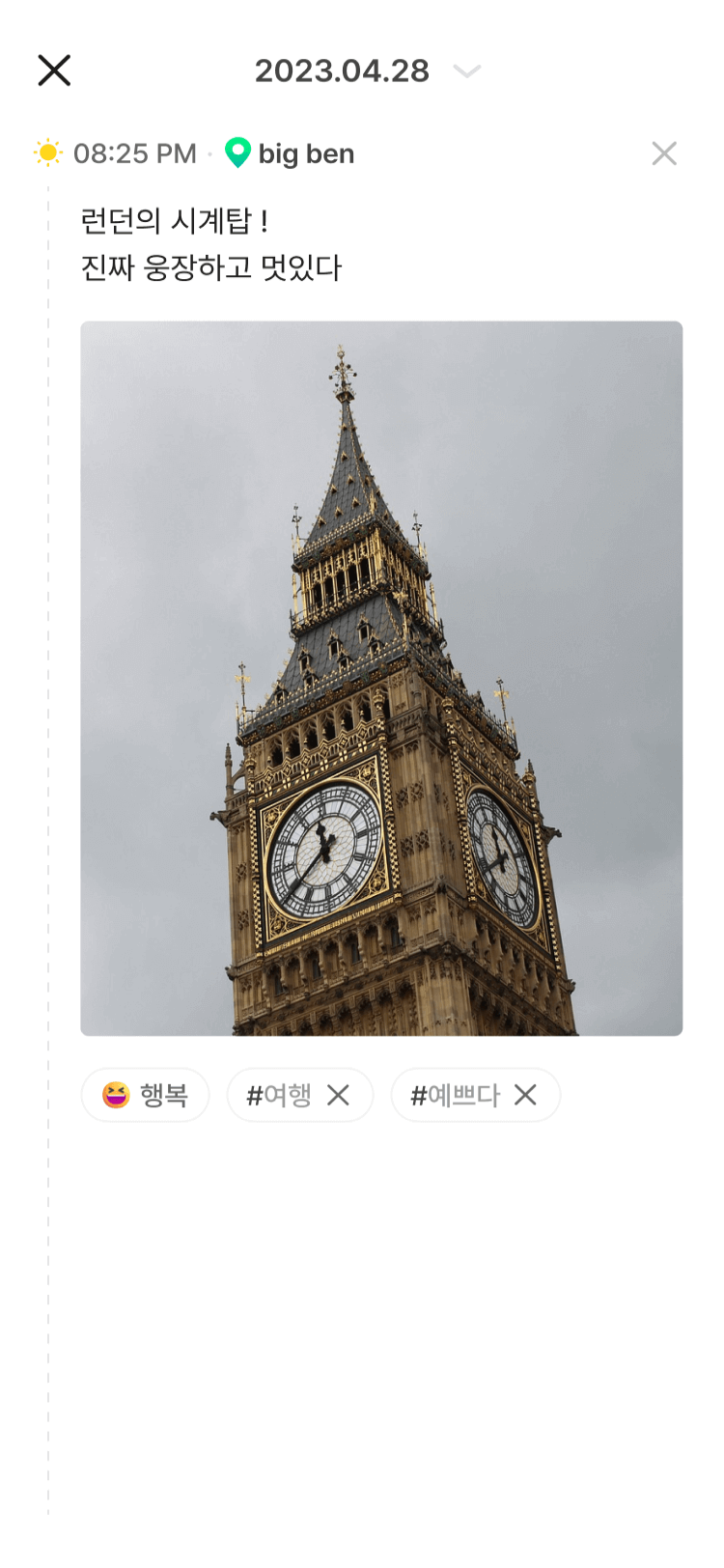
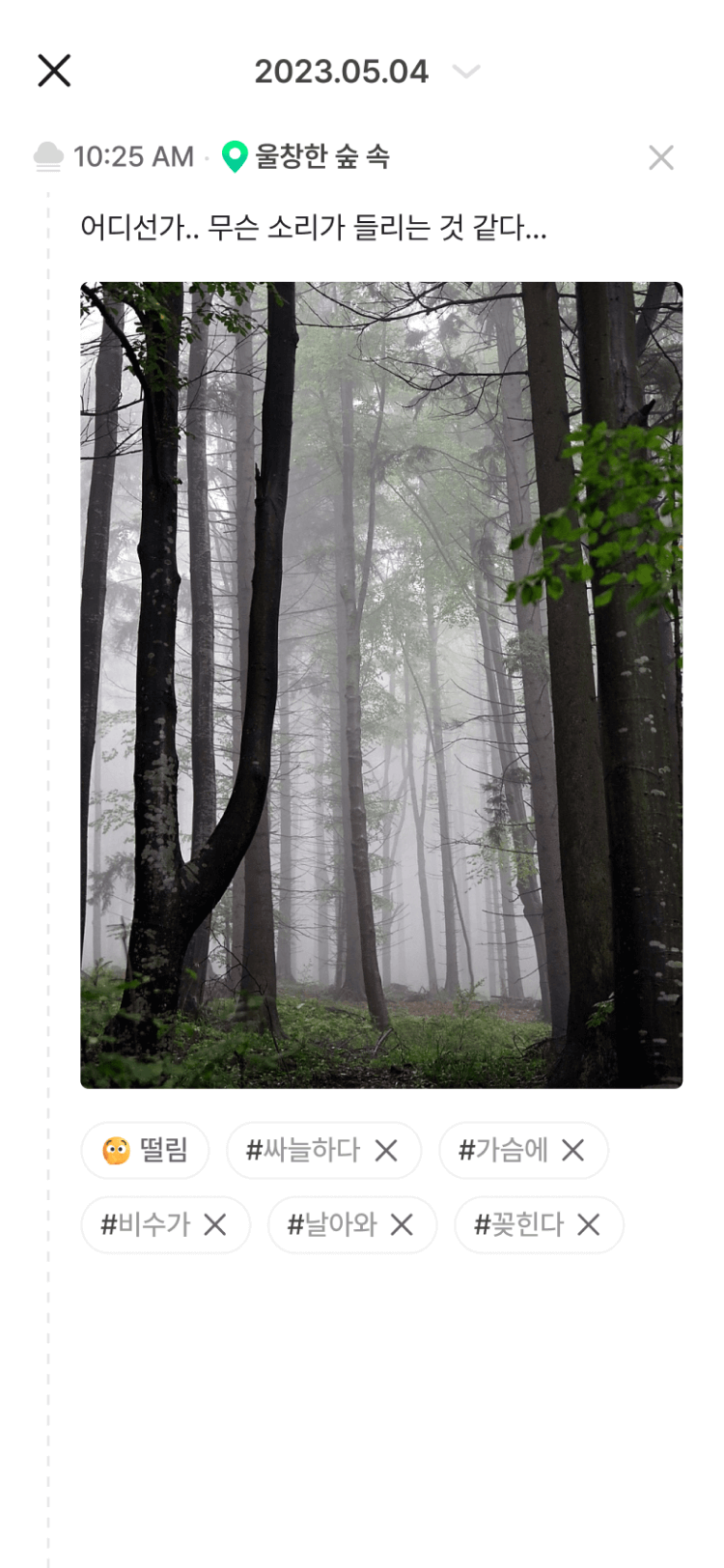
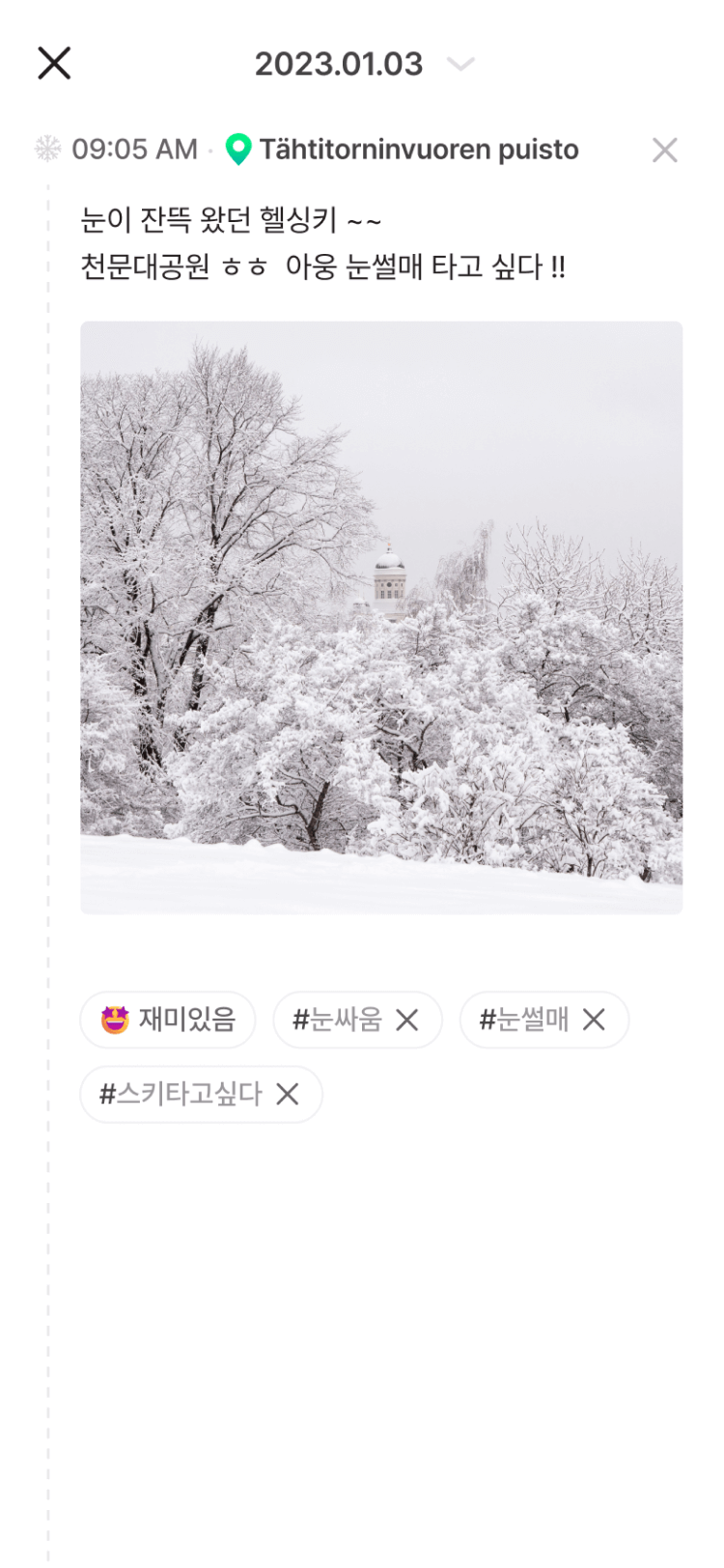
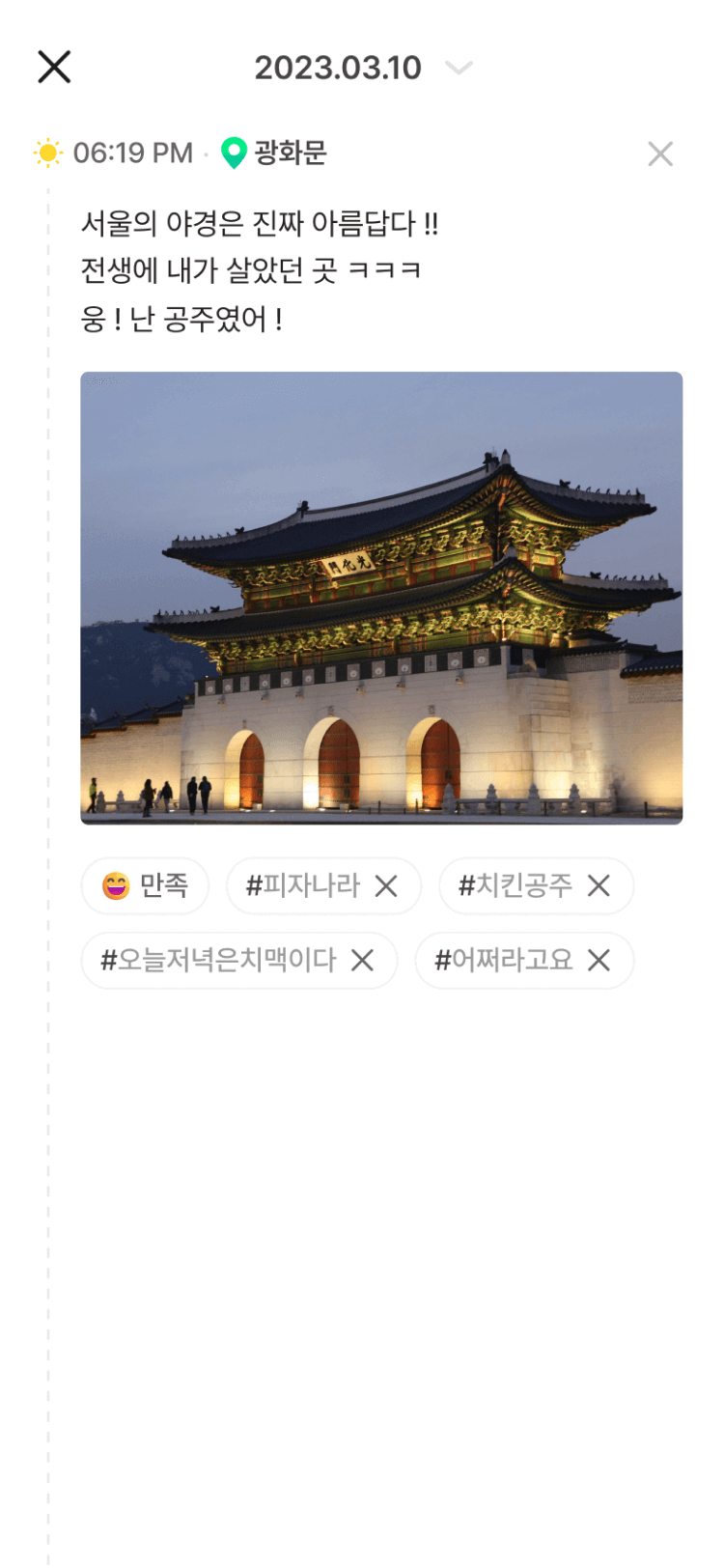
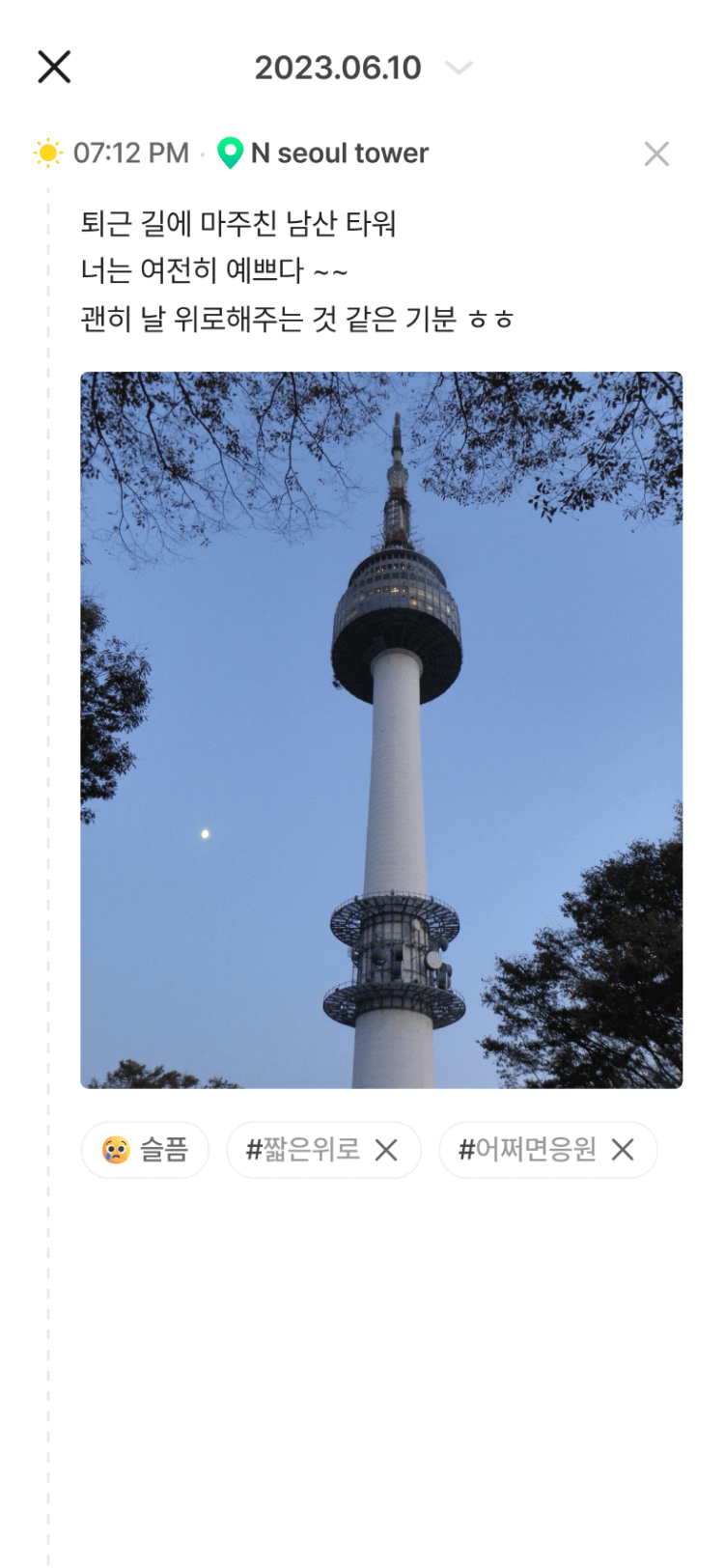
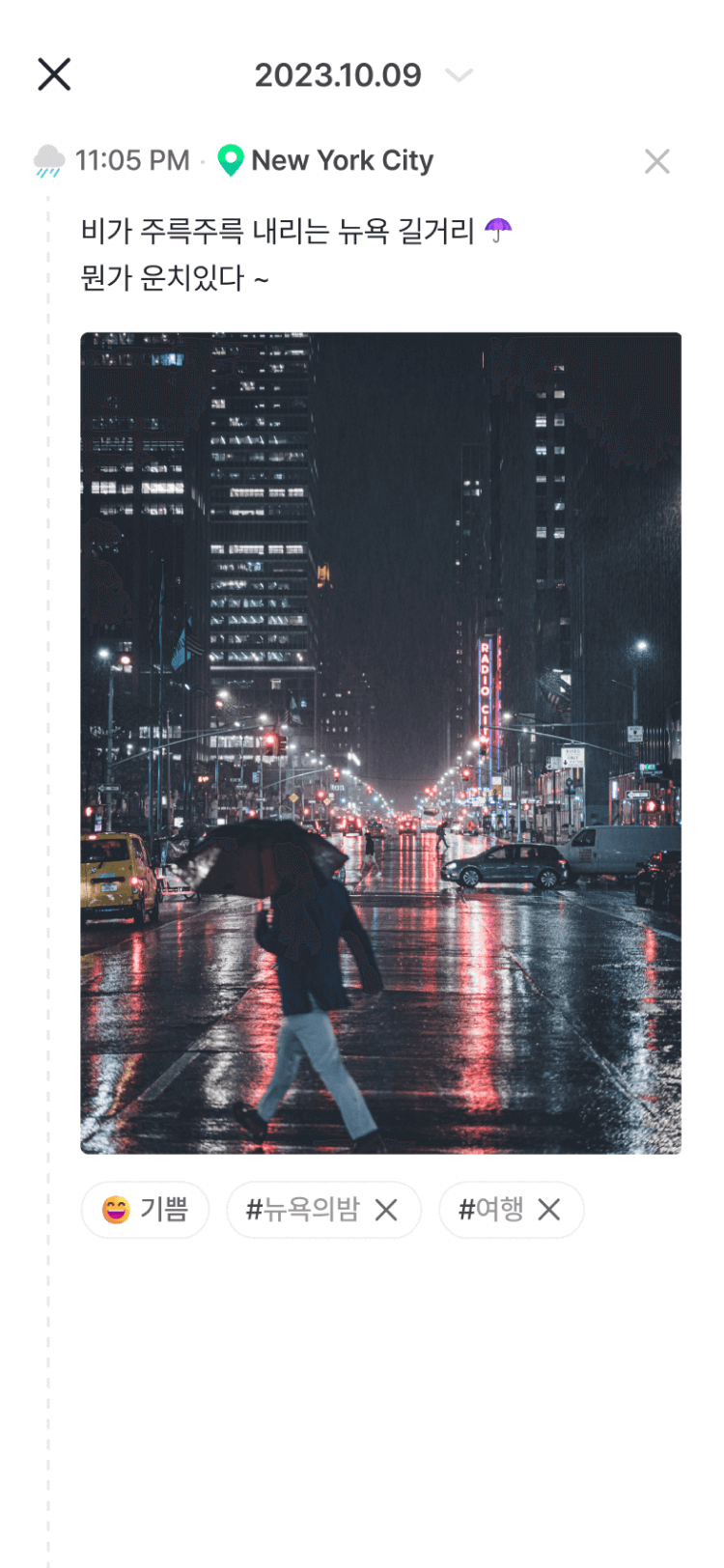
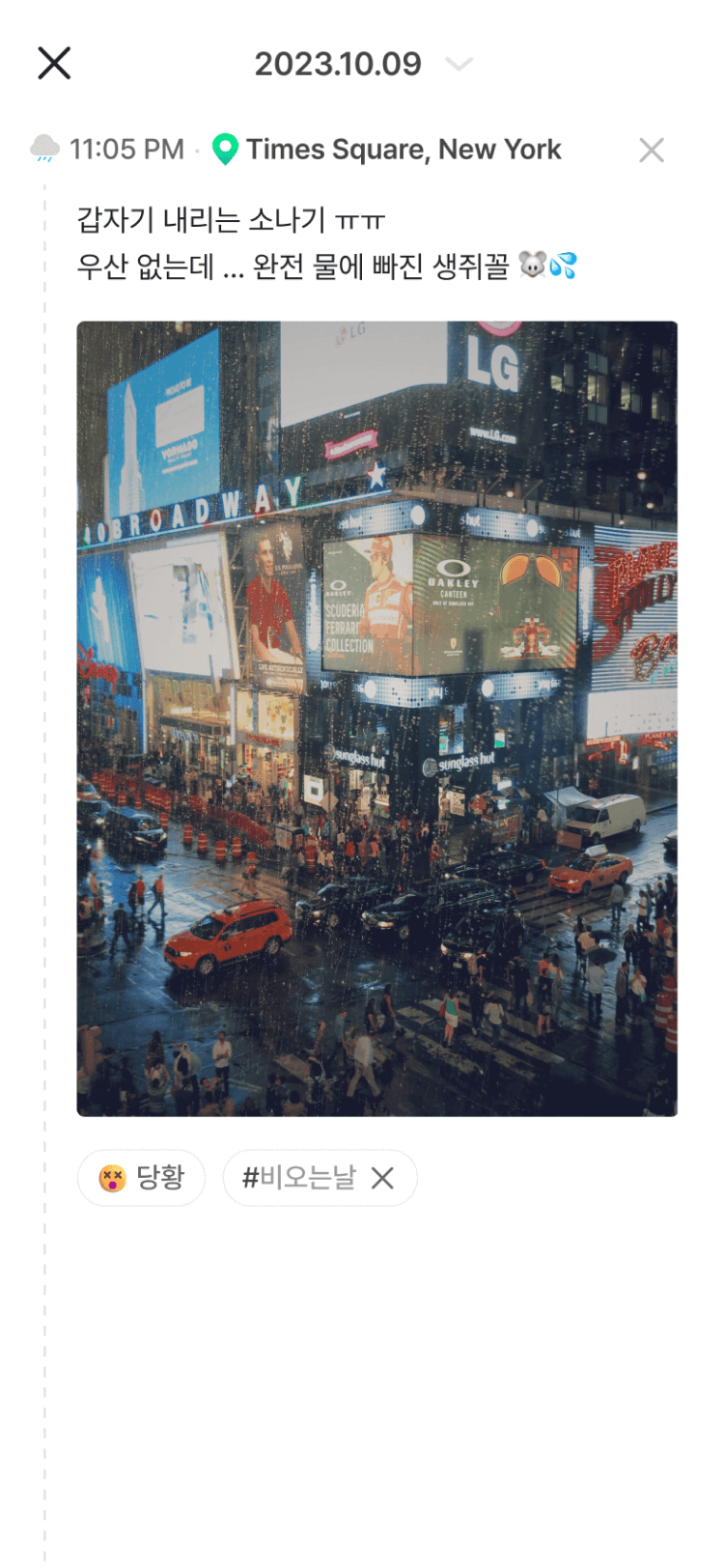
Just choose photos and your mood.
D·LOG adds the time, place, and weather.
A diary does not have to mean writing. With D·LOG, photos and your mood are all you need to save your day.
-
1
Upload photos
One photo you just took is enough. You can also add several at once.
-
2
Choose your mood
Pick an icon for how you felt. Add words only when there is something you want to say.
-
3
D·LOG does the rest
D·LOG reads the photo metadata (EXIF) to add the time and place, then looks up the weather for that moment and location.
| Item | Where it comes from | Example (New York log) |
|---|---|---|
| Time | When the photo was taken | Oct 9, 2023, 11:05 PM |
| Place | Location information in the photo | Times Square, New York |
| Weather | Weather at that time and place | Rain |
| Route | Photo locations connected in time order | Your route on a map |
Photos without location information, such as screenshots or photos received through messaging apps, may not have their place filled in automatically.
Batch Logging
Even your busiest days,
logged and organized at once
You do not need a long story to remember your day. Focus on your trip while traveling, and on your rest while relaxing.
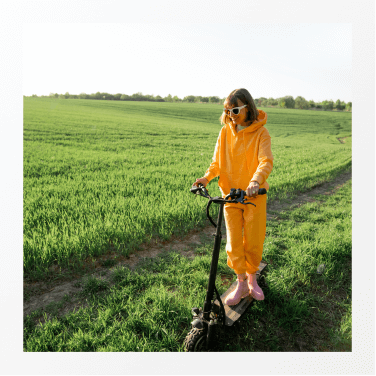
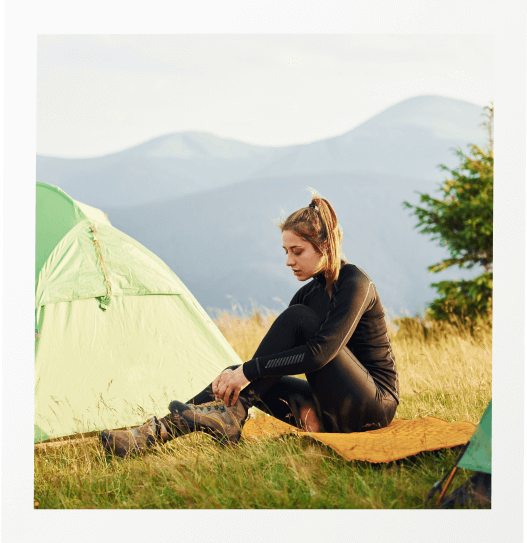

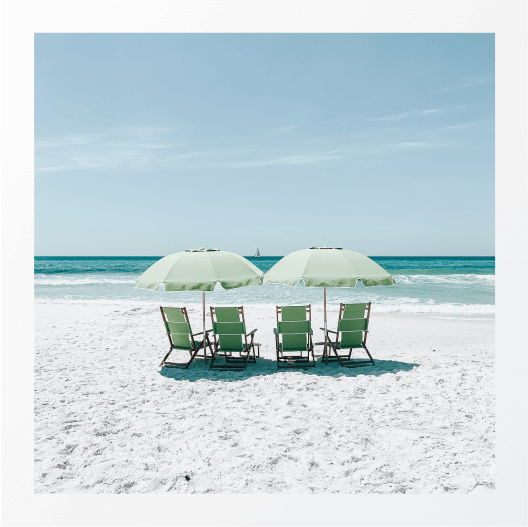

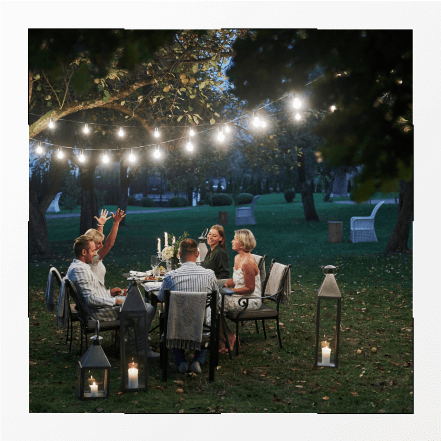
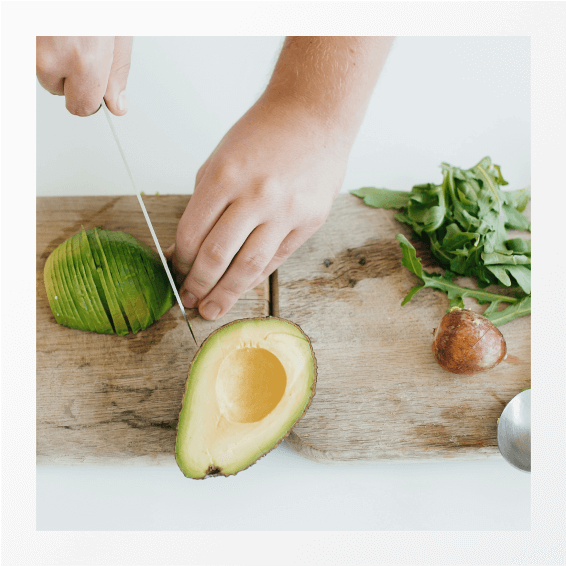
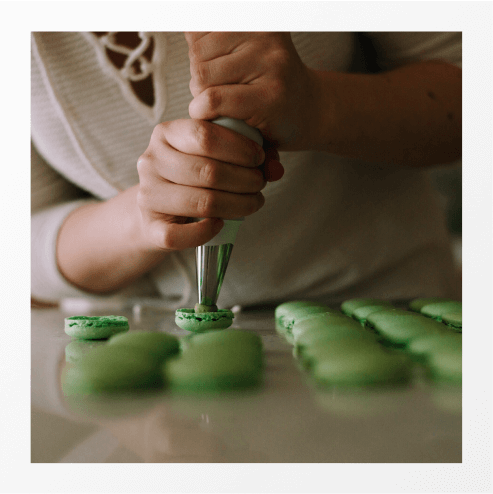
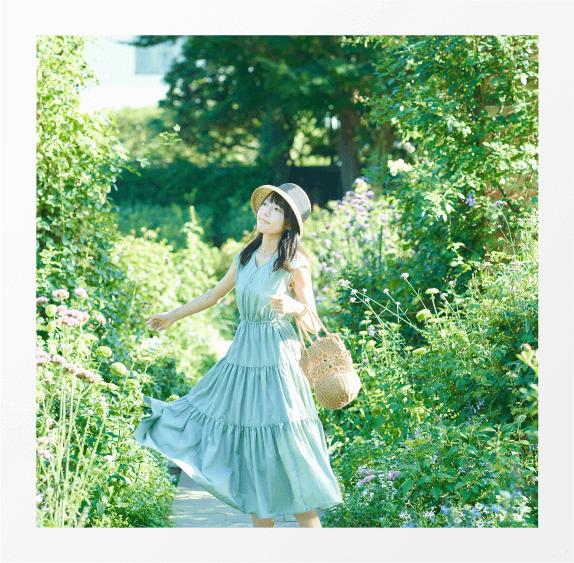
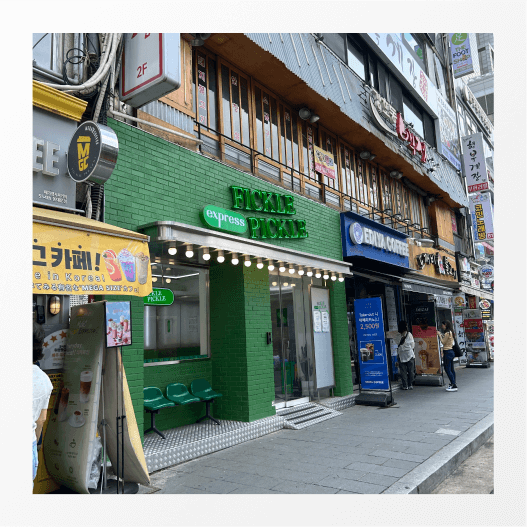
Older photos in your gallery?
Add them all at once.
A past trip, last year’s birthday, camping with friends. Select several photos with Batch Logging, and they become logs grouped by the date taken, complete with the place and weather. You can still save the days you never got around to writing about.
Batch Logging lets you select up to 6 photos at once for free, or up to 24 with D·LOG Essential.
6 photos selected from the gallery
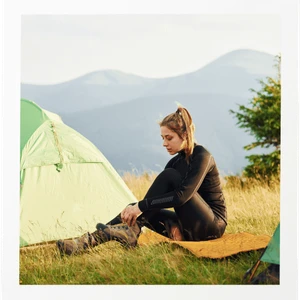
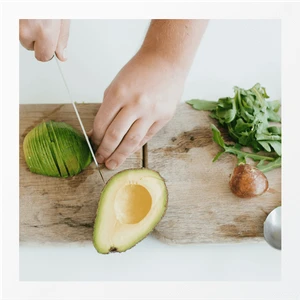
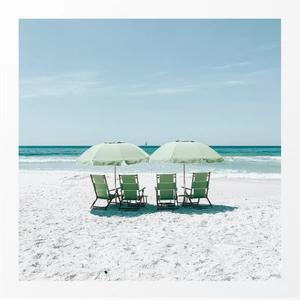
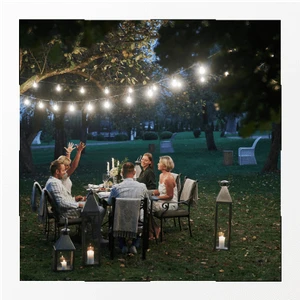
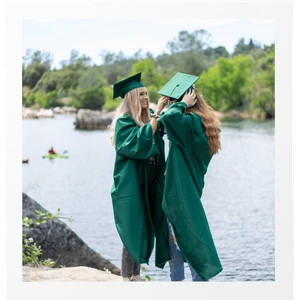
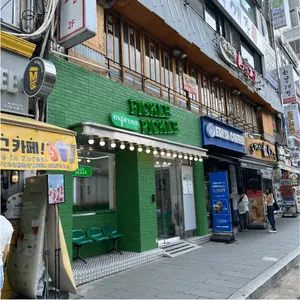
Logs grouped by date Example
 Sunny
Sunny Gapyeong, Gyeonggi
 Partly cloudyEurwangni Beach
 CloudySeongbuk-gu, Seoul
 RainMangwon-dong, Mapo-gu, Seoul
How do I turn gallery photos into a diary?
- Tap the button to create a log in D·LOG and select several gallery photos. (Up to 6 for free, or 24 with Essential.)
- Photos are grouped by the date taken, with the time, place, and weather added automatically.
- Choose a mood for each day and add any words you want to keep.
Your moments, neatly bookmarked
Your moments with Tags , Emotions , Maps , Places — organized for you
Open your neatly organized Logbook anytime
The days you might have forgotten
are still here
Do you remember this day last week? Any day saved in D·LOG is yours to revisit anytime.
Browse your days in a monthly calendar or Logbook, and see the places you visit most.
- By tagGroup and find logs with tags like #cafe and #travel
- By emotionSee how you have been feeling most often
- By mapSee the places you have visited on a travel map
- By placeFind your logs from that place


Trace every moment
Look back on where you have been
Follow your footsteps, one by one,
and revisit that day with a fresh perspective.
Upload your travel photos,
and your route appears on a map
Focus on your trip while you are away. The order of your photos connects where you went, when you were there, and what you saw, with visited places gathered on a travel map. There is no need to organize a travel journal separately.
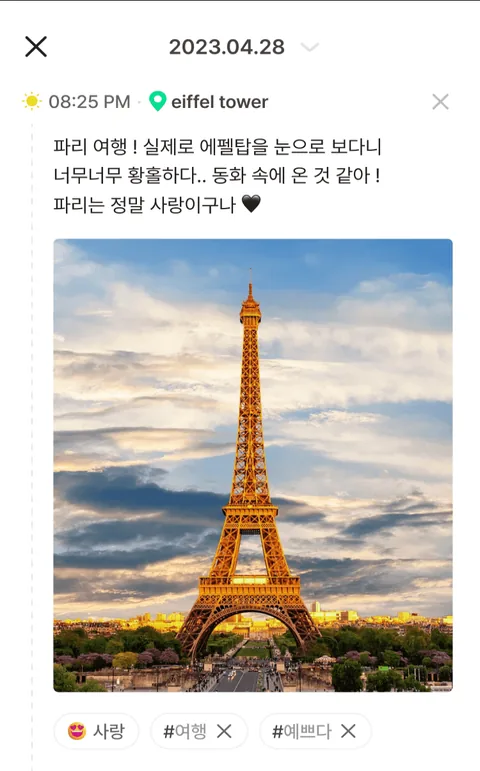
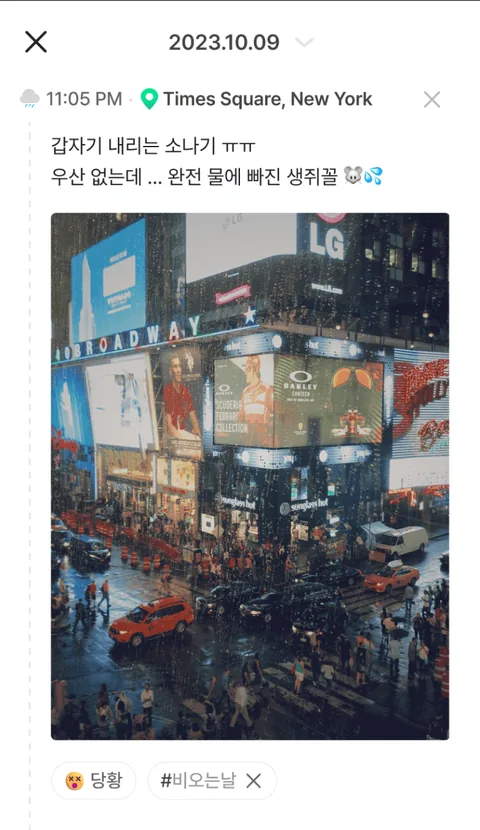
 You can also publish each travel day on the web as a travel journal.
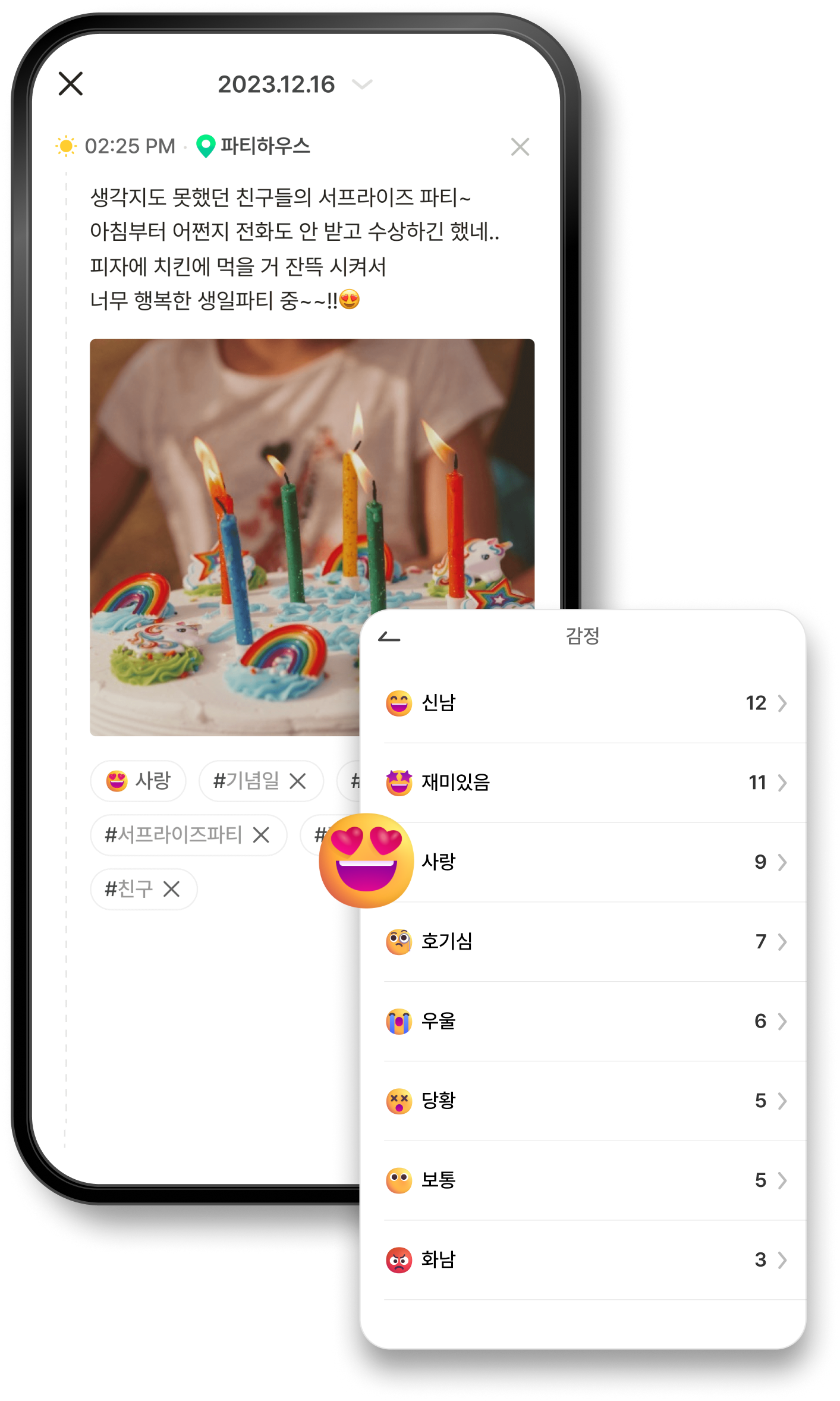
Emotion logs
Find a little calm after
an emotional roller coaster
Gather the emotions you felt in a moment or a day
and discover new insights
Choose your mood,
and create emotions of your own
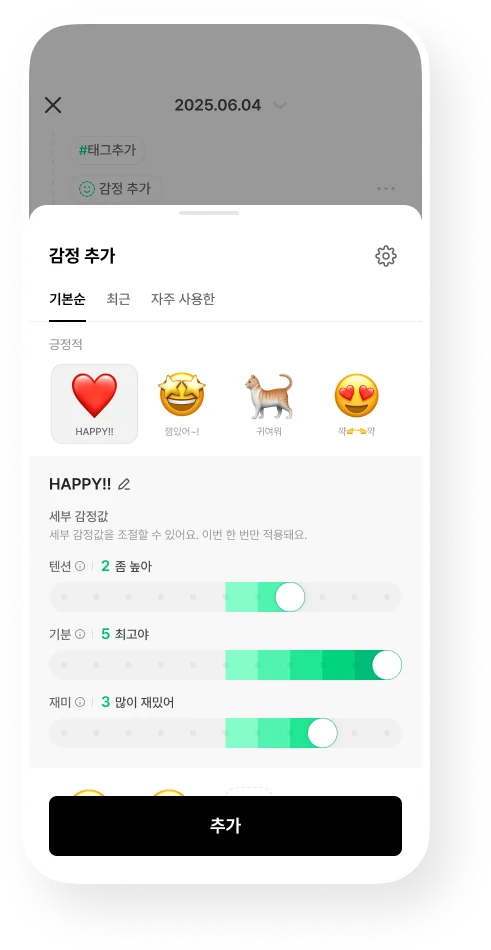
D·LOG does not automatically analyze your emotions. Choose how you felt from positive, neutral, and negative emotion icons, then add detail with three values: Energy, Mood, and Fun.
- Choose an emotion FreeBrowse the default order, recent choices, or most-used emotions.
- Emotion Details FreeAdjust Energy, Mood, and Fun for each log. Changes apply only to that log.
- Create Emotion EssentialChoose an emoji or an image from your gallery, give it a name, and set default Energy, Mood, and Fun values. Each time you select that emotion, it starts with those defaults, so you only need to make small adjustments for the day.
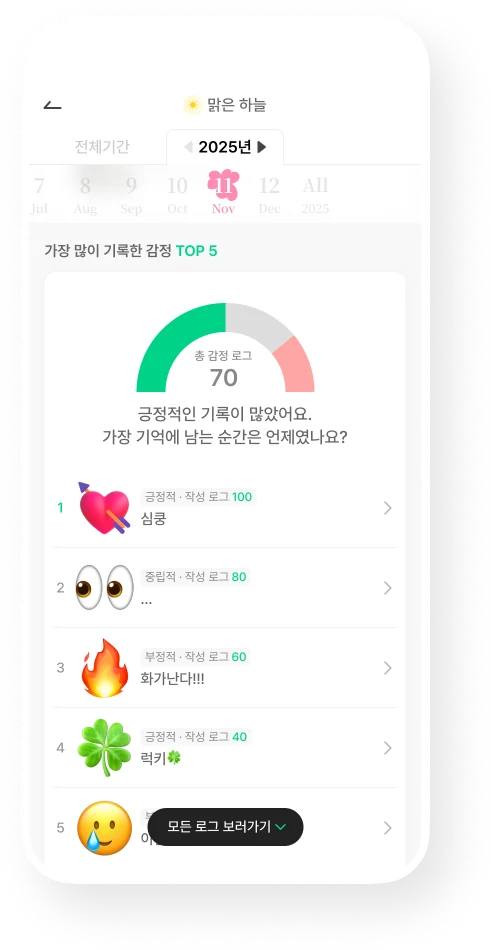
- Emotion statisticsLook back at your top 5 most-logged emotions and your positive, neutral, and negative proportions.

A day you have not shared
is yours alone
Even the D·LOG team does not open your private logs
⦁ Your logs, including photos and videos, are stored encrypted in the cloud, ready on your next phone.
⦁ Lock the app with Face ID or your fingerprint for peace of mind when lending your phone.
⦁ Export your log content as a CSV file. Your records always belong to you.
Keep it private, share a link,
or publish on the web
D·LOG is completely private by default. You can open up only the days you want to show, in two ways.
-

Only me
Unshared logs stay in your account alone. Even the D·LOG team does not open them.
Visible to Me
-
Share Link
Create a link to a day’s logs and send it to family, friends, or your partner.
Visible to Anyone with the link
-
Publish on the web
Publish a day’s logs as a web page. Your travel journals and everyday logs can stay on the web without copying them into a blog, and may appear in search engines.
Visible to Everyone
Link sharing and web publishing apply to all logs for the selected day.
How we handle your logs
D·LOG keeps your photos and logs on its servers for one reason: so your records are still there when you change phones or reinstall the app. This is also why photo and video collection is listed in the app information.
-
Encrypted storage
Your logs, including photos and videos, are stored encrypted on cloud servers and are not used for other purposes.
-
We do not open private logs
The D·LOG team does not open private logs. Only publicly accessible web-published logs are reviewed to prevent illegal or harmful content from being displayed.
-
Your statistics are for you alone
Logs are used only for features shown to you, such as your year in review. Statistics are generated within the app for you alone; the D·LOG team does not separately view or analyze them.
-
AI only with your consent
Even if we introduce an AI feature that learns from logs to offer personalized recommendations in the future, we plan to apply it only when you explicitly choose to consent.
-
Export as a CSV file
Save your log content as a CSV file from Settings > Export > Export My Logs. Photos are not included yet.
-
Registered location-based service provider
D·LOG is registered as a location-based service provider in Korea and fulfills its personal information protection obligations under applicable laws.
Anywhere
New phone, same memories
Logs are saved to the account you sign in with. Switch from Android to iPhone or use a PC, and keep viewing the same logs. No subscription is needed on PC; just visit dlog.me in your browser.
Pricing
Start for free
D·LOG is free to use. D·LOG Essential’s regular price is KRW 2,500 per month or KRW 25,000 per year. Automatic time, place, weather, and map logs, as well as Batch Logging for older photos, are available for free. Choose Essential when you want to save more photos.
Free
KRW 0
No subscription, with ads
- Photo limit starts at 100
- Unlimited writing
- Automatic time, place, weather, and map logs
- Batch Logging: up to 6 photos at once
- Continue your logs on PC or a new phone
- Monthly Logbook and basic reports
- Ads included
D·LOG Essential
KRW 2,500 / mo
or KRW 25,000 per year (regular price)
Eligible for a discountKRW 1,800/mo or KRW 18,000/yr
These prices apply to eligible users, including first-time subscribers within 30 days of signing up and users of a free subscription pass.
- Everything in Free
- Photo limit starts at 10,000
- Batch Logging: up to 24 photos at once
- All ads removed
- Monthly and yearly log reports
- Photo collages
- Custom reminder messages
- Create Emotion
- Premium widgets
- On both plans, your photo limit grows each time you create a log.
- Check eligibility, available subscription periods, and final payment terms in the app.
Free and Essential: what is different?
| Feature | Free | D·LOG Essential |
|---|---|---|
| Photo limit | Starts at 100 | Starts at 10,000 |
| Photos per Batch Logging session | Up to 6 | Up to 24 |
| Ads | Ads included | All ads removed |
| Log reports | Basic reports | Basic + monthly and yearly reports |
| Photo collages | Not included | Combine 4 photos into one |
| Log reminders | Remind me at a chosen time | Choose a time + custom reminder messages |
| Emotions | Choose default emotions and adjust Emotion Details | Default features + Create Emotion |
| Widgets | Basic widgets | Basic + premium widgets |
You can enjoy D·LOG without a subscription
- Unlimited writing
- Automatic time, place, weather, and map logs
- Continue your logs on PC or a new phone
- A new daily question every day
- Save notes and links
- Log emotions and places
- Adjust Emotion Details
- Monthly Logbook
- Save personalized news
- Basic reports
- Basic widgets
- Log reminders at a time you choose
- Photo slideshow videos

Made by
D·LOG is made by SoftLunch
D·LOG is made and operated by SoftLunch Inc., founded as a Samsung Electronics C-Lab spin-off. D·LOG was selected for the Google ChangGoo program in 2024 and named a Google Play Best for Personal Growth app in 2025.
“A highly innovative app that offers users a new way to record their lives through a polished interface, advancing ‘agent AI’ and ‘productivity without boundaries’”
- Service
- D·LOG photo diary app
- Operator
- 소프트런치주식회사 (SoftLunch Inc.)
- Origins
- Samsung Electronics C-Lab spin-off
- Trademarks
- Republic of Korea No. 40-2222457 · United States No. 7989385
- 2024
- Selected for the Google ChangGoo program
Frequently asked questions
Your questions
about D·LOG
For any other questions, email contact@softlunch.com.
What kind of app is D·LOG?
D·LOG is a photo diary app that automatically fills in the time, place, weather, and route of your day when you upload photos and choose your mood. Add older photos from your gallery all at once to create logs grouped by date. Share a day you want others to see with a link, or publish it on the web.
Can I keep a diary without writing?
Yes. Just choose photos and your mood to save a record of your day. D·LOG fills in the time, place, and weather; add words only when there is something you want to say.
Can I use older photos from my gallery?
Yes. Upload several photos at once and they are grouped into logs by the date taken. Batch Logging lets you select up to 6 photos at once for free, or up to 24 with D·LOG Essential. It reads the photo metadata (EXIF) to fill in the time and place, and adds the weather for that time and location. Photos without location information, such as screenshots or photos received through messaging apps, may not have their place filled in automatically.
Can I use it as a travel journal?
Yes. Upload photos from your trip and their locations form a route on the map, with the time and weather organized for each place. You do not need to take separate notes while traveling; just add your photos when you return.
Does AI write my diary for me?
No. D·LOG does not invent diary entries for you. You choose the photos and mood yourself, while D·LOG automatically fills in context such as time, place, weather, and route. Your logs reflect the day you actually lived.
Are my emotions analyzed automatically?
No. You choose your mood with an icon. Pick from positive, neutral, and negative emotions, then adjust Energy, Mood, and Fun in Emotion Details to capture the moment more closely. Choosing emotions and adjusting Emotion Details are free.
Can I create my own emotions in D·LOG?
Yes, with D·LOG Essential. Choose an emoji or an image from your gallery, give it a name, and set default Energy, Mood, and Fun values. Selecting that emotion starts with those defaults, so only small adjustments are needed when you create a log.
Can I share logs with family or friends?
Yes. Unshared logs are visible only to you. Link sharing creates a link to a day’s logs that anyone with the link can view. Web publishing makes a day’s logs a publicly accessible web page that may appear in search engines. Both link sharing and web publishing apply to all logs for the selected day.
Can I publish D·LOG entries on the web like a blog?
Yes. Web publishing makes a day’s logs a web page that may also appear in search engines. You do not need to copy your travel journals or everyday logs into a separate blog.
What happens to my logs when I change phones?
They stay with you. Logs are saved to the account you sign in with, so you can switch from Android to iPhone and continue with the same account. You can also open them on a PC by visiting dlog.me in your browser.
Is D·LOG free?
Yes, you can use it without a subscription. The free plan includes a photo limit starting at 100, unlimited writing, automatic time, place, weather, and map logs, and Batch Logging for up to 6 photos at once, with ads. On both plans, your photo limit grows each time you create a log. D·LOG Essential’s regular price is KRW 2,500 per month or KRW 25,000 per year. Eligible users, including first-time subscribers within 30 days of signing up and users of a free subscription pass, pay KRW 1,800 per month or KRW 18,000 per year. Check eligibility, available subscription periods, and final payment terms in the app.
What is different between Free and D·LOG Essential?
D·LOG Essential starts with a photo limit of 10,000 (Free starts at 100) and lets you select up to 24 photos per Batch Logging session (6 on Free). It removes all ads and adds monthly and yearly log reports, collages combining 4 photos into one, custom reminder messages, Create Emotion, and premium widgets. Automatic time, place, weather, and map logs, unlimited writing, and syncing to PC or a new phone are available without a subscription.
Which devices can I use?
D·LOG is available on Android phones (Google Play), iPhone (App Store), and PC (dlog.me in your browser). Sign in with the same account to continue viewing the same logs on any device.
Is there a PC version of D·LOG?
Yes. Visit dlog.me in your PC browser. In Chrome or Edge, you can also install it like an app using the install button in the address bar. No subscription is needed on PC, and the same account lets you continue with the logs you saved on your phone.
Are my logs safe?
D·LOG is completely private by default. Unshared logs are visible only to you, and even the D·LOG team does not open them. Logs, including photos and videos, are stored encrypted in the cloud, and you can lock the app with Face ID or your fingerprint. D·LOG is registered as a location-based service provider in Korea and fulfills its personal information protection obligations under applicable laws. We collect only information necessary for the service and delete it when it is no longer needed. Location, camera, and photo permissions are optional, so you can use the app without granting them, although some automatic logging features may be limited.
How does D·LOG use my photos and logs?
Only to store your records and show them to you. Photo and video collection is listed in the app information because logs are kept on cloud servers so you can still view them when you change phones or reinstall the app. Stored photos and videos are encrypted and not used for other purposes. Features such as year-in-review statistics are generated within the app for you alone; the D·LOG team does not separately view or analyze them.
Does the D·LOG team open my private logs?
No. The D·LOG team does not open private logs. Days published on the web are publicly accessible pages, however, so administrators review them to prevent illegal or harmful content from being displayed.
Are my logs used to train AI?
No. Your logs are used only for features for you. Even if we introduce an AI feature that learns from logs to offer personalized recommendations in the future, we plan to apply it only when you explicitly choose to consent. Without your consent, your logs will continue to be used only for features for you.
Can I export my D·LOG records or keep a separate copy?
Yes. Save your log content as a CSV file from Settings > Export > Export My Logs. Photos are not included in the file yet. Your logs are also stored in the cloud, so signing in with the same account lets you view them when you change phones or reinstall the app.
Are D·LOG and Daylog the same app?
No. D·LOG is a photo diary app made by SoftLunch and is separate from other similarly named logging apps. You can find it on Google Play with the package name com.softlunch.dlog and on the App Store with app ID 6451177080.
Who makes D·LOG?
D·LOG is made and operated by SoftLunch Inc., founded as a Samsung Electronics C-Lab spin-off. D·LOG was selected for the Google ChangGoo program in 2024 and named a Google Play Best for Personal Growth app in 2025.